Utter
Voice typing for Android that I could actually trust, because I built it.
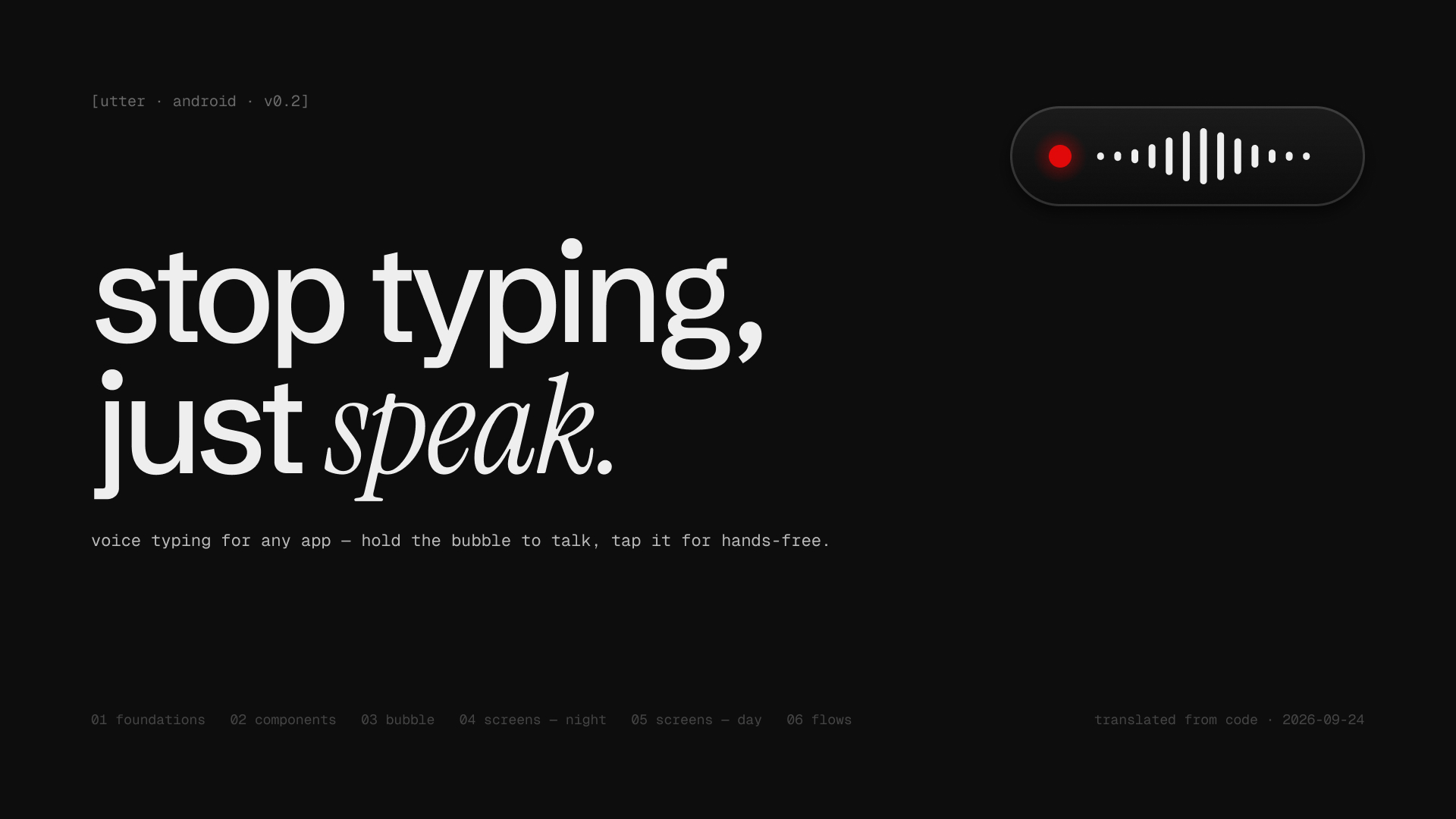
The problem
On the Mac, Spokenly lets you dictate anywhere with your own API key. On Android there was nothing like it I trusted: every option wanted a subscription, an account, or my voice on its own servers.
I wanted something small that runs on my own key and never loses a sentence, even when the network drops.
What I found
- 01The market splits into two bad options
Polished dictation apps (Wispr Flow-style) are subscription and cloud-account products. The free alternatives are keyboard replacements, which means giving up the keyboard you already like.
- 02Dictation has to fit the sentence
Raw transcripts arrive capitalised with a full stop. Inserted mid-sentence, that reads wrong, so Utter matches case and punctuation to the text around the cursor.
- 03Speech models hallucinate on silence
Whisper invents text on near-silent clips. A hallucination filter and a faithfulness guard on the polish step are covered by unit tests.
- 04Android fights overlay apps
MIUI and HyperOS kill background overlays, and Android 13 greys out accessibility for sideloaded apps. Setup had to walk people through both.
How it works
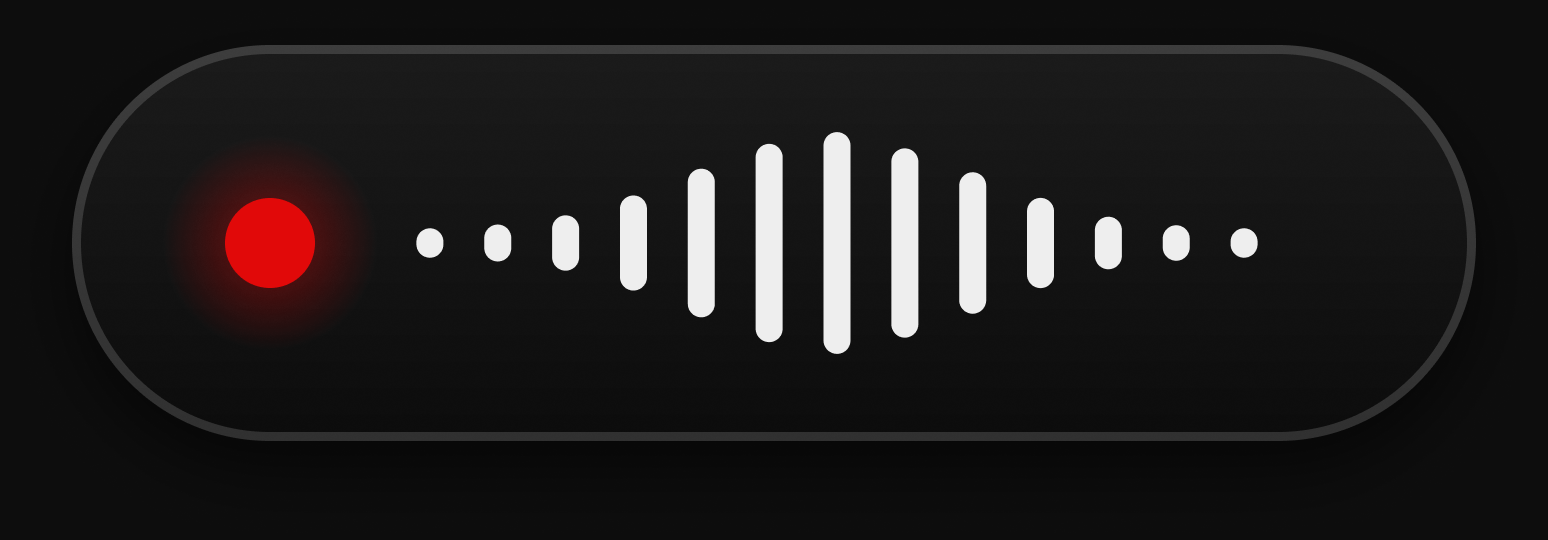
- Capture 16 kHz audio from a hand-drawn Canvas bubble docked above the keyboard.
- Transcribe with Whisper large-v3-turbo on your own Groq key, with a personal dictionary for names and jargon.
- Clean up the text: remove filler words, resolve self-corrections, handle spoken punctuation and lists.
- Insert it through accessibility, matched to the sentence around the cursor.
- Log locally: words, WPM, streak, time saved and a 7-day chart. Failed uploads are kept for retry.
Design decisions
- 01One moving part
The interface is flat and static. The only thing that animates is the bubble, because it's the only thing you look at while talking.
- 02States you can read without looking
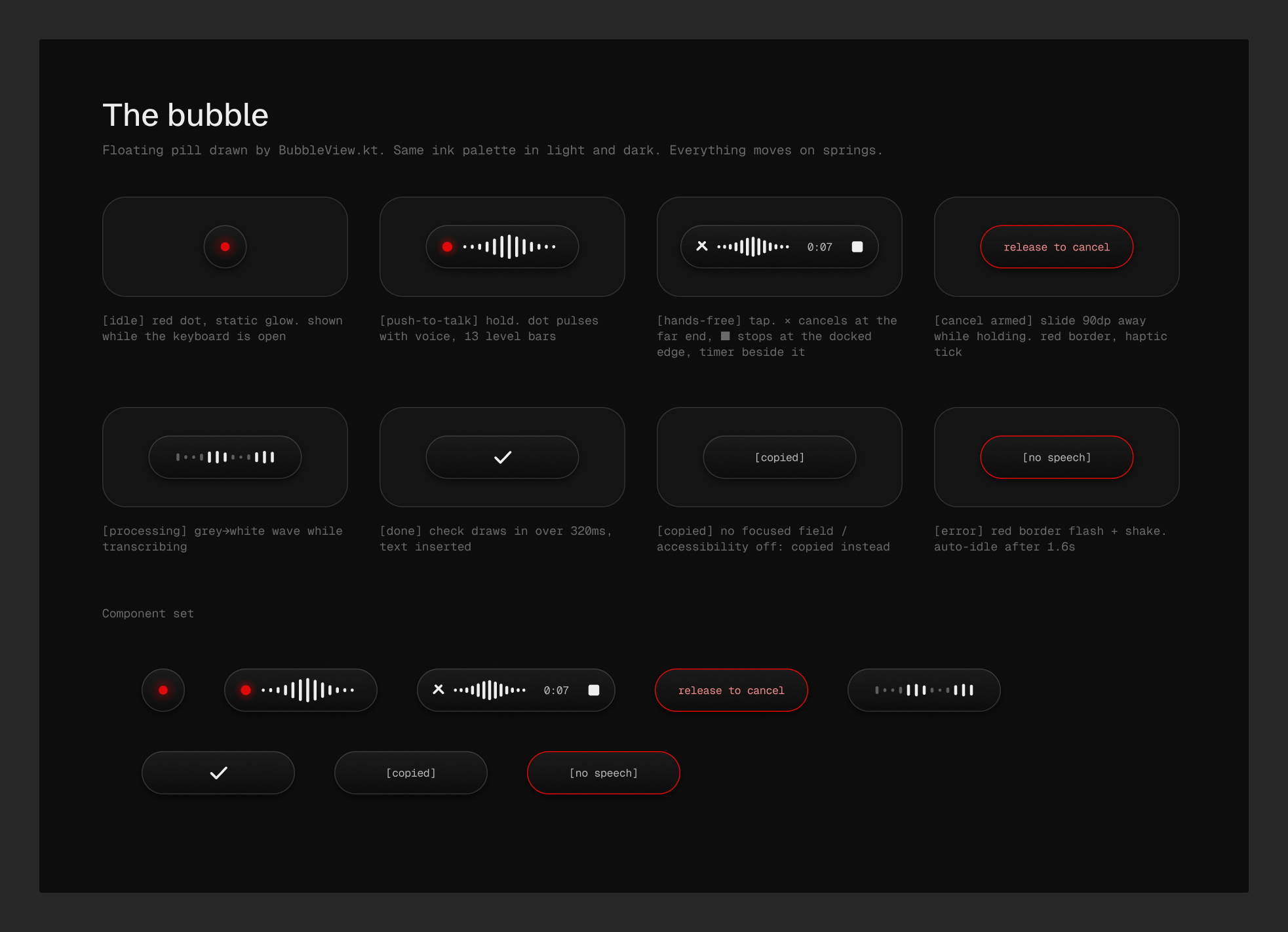
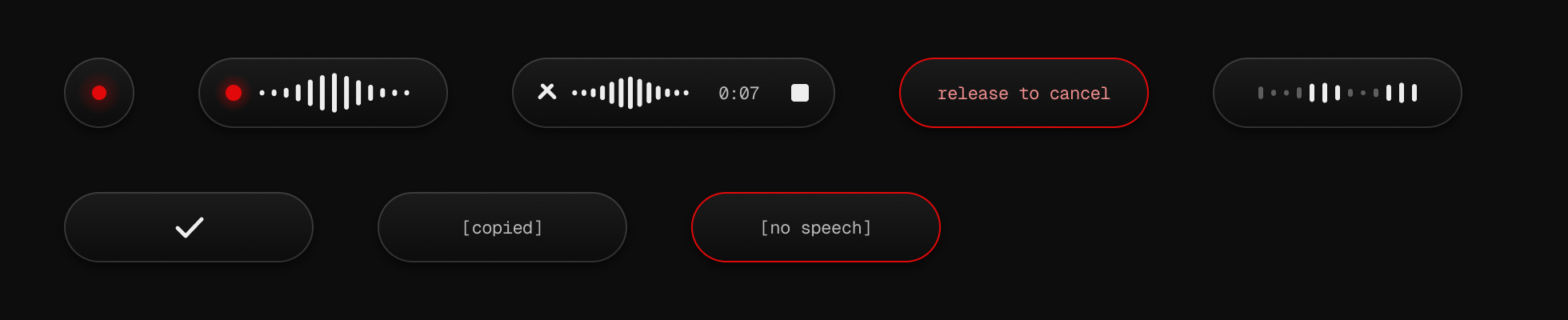
Idle, listening, hands-free, cancel armed, processing, done, copied and error each have a distinct silhouette, not just a colour change.
- 03Near-black ink, one red signal
Red means exactly one thing, “recording”, so it's never used for decoration.
- 04Mono labels in brackets
Geist Mono in [brackets] for system text and Instrument Serif italics for voice. The type tells you whether you're reading the app or reading yourself.
Design, up close
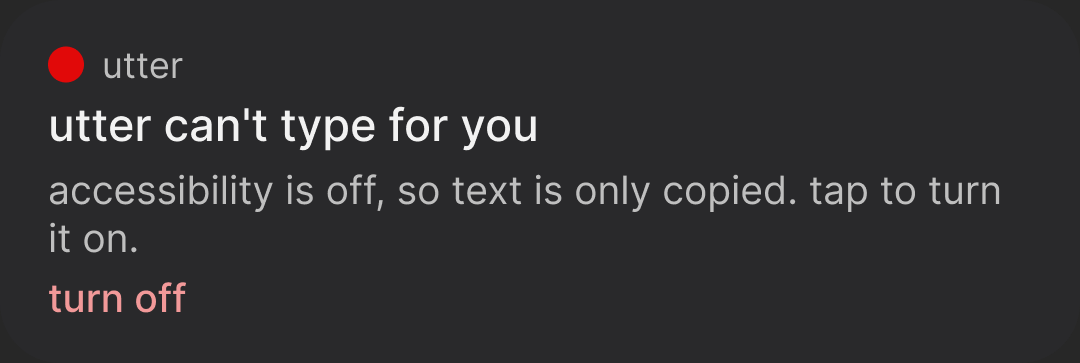
Crops from the Utter Figma file, which I translated from the shipping Kotlin rather than the other way round.
What I'd do next
Ship a public build. Right now Utter is installed over USB so that Android's restricted-settings block doesn't apply. After that, an on-device Whisper fallback so it works with no key at all.